Metric Chart Type
Kloudfuse offers four (4) types of charts to use in the Metrics Explorer interface:
- Line
-
This is the default metric chart type. Can be rendered as normal (default), thick, or thin.
- Area
-
All area charts are stacked.
- Bar
-
All bar charts are stacked.
- Points
-
This chart can be very useful in pinpointing the data
To change the chart type and [optionally] emphasis:
-
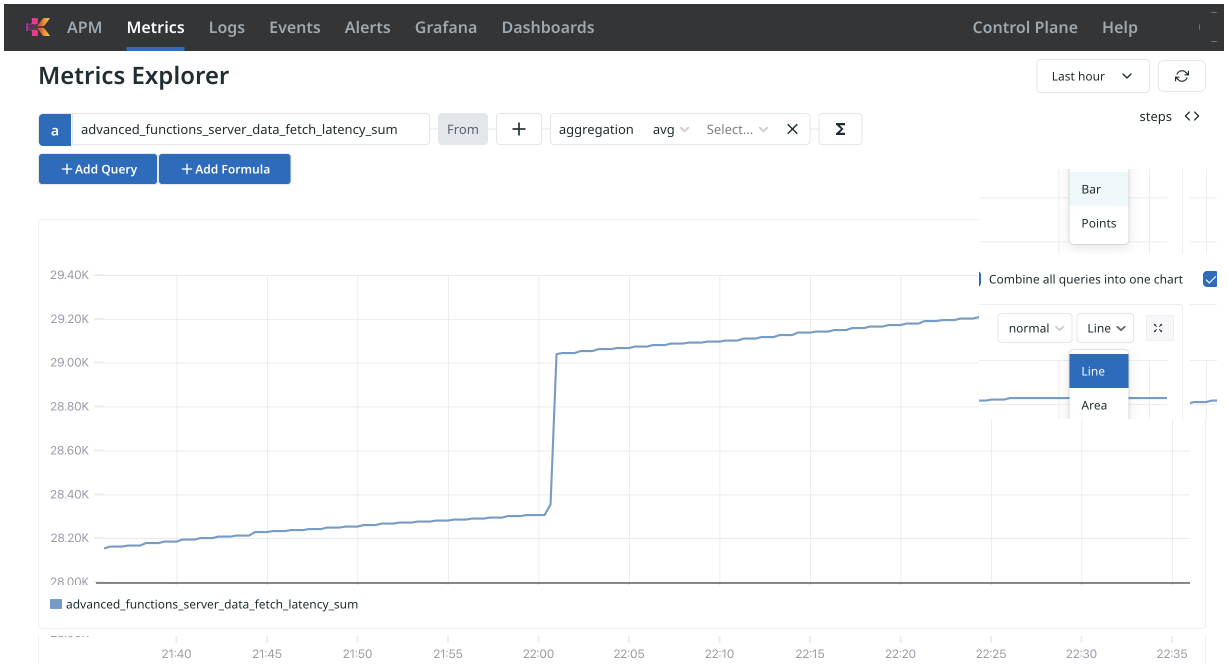
Click the existing chart type, and select a new option.
Here, we start with Line, and select Bar chart.
-
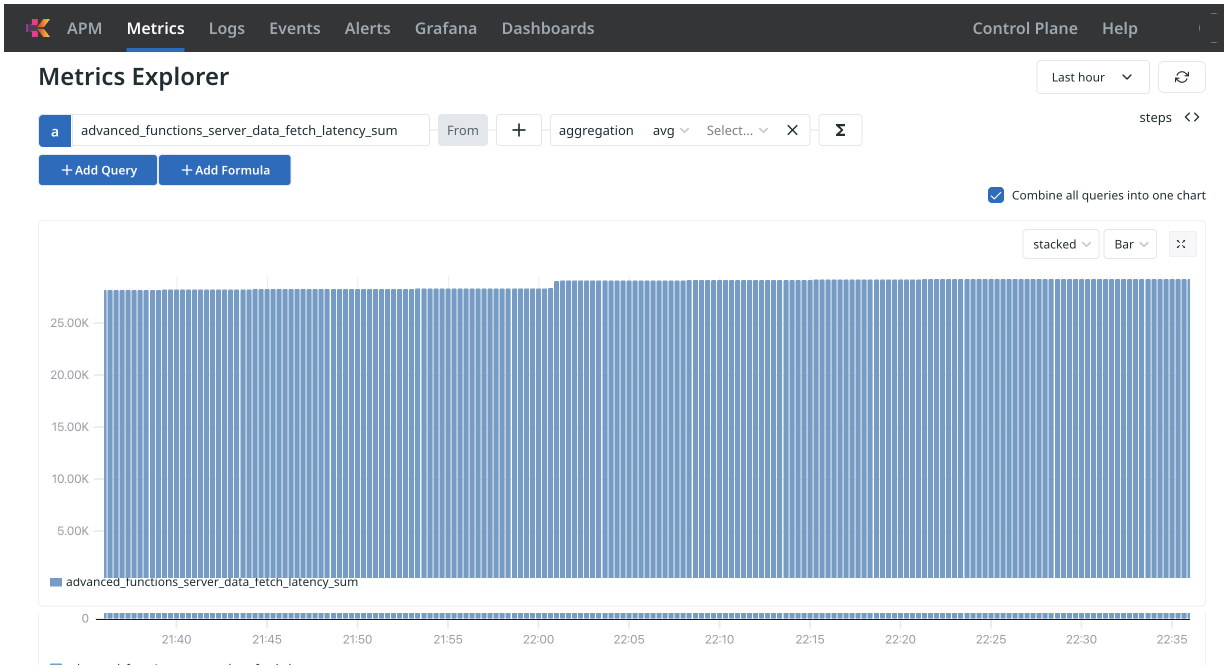
The chart of the metric over the time period appears, as a bar chart.
View in full screen
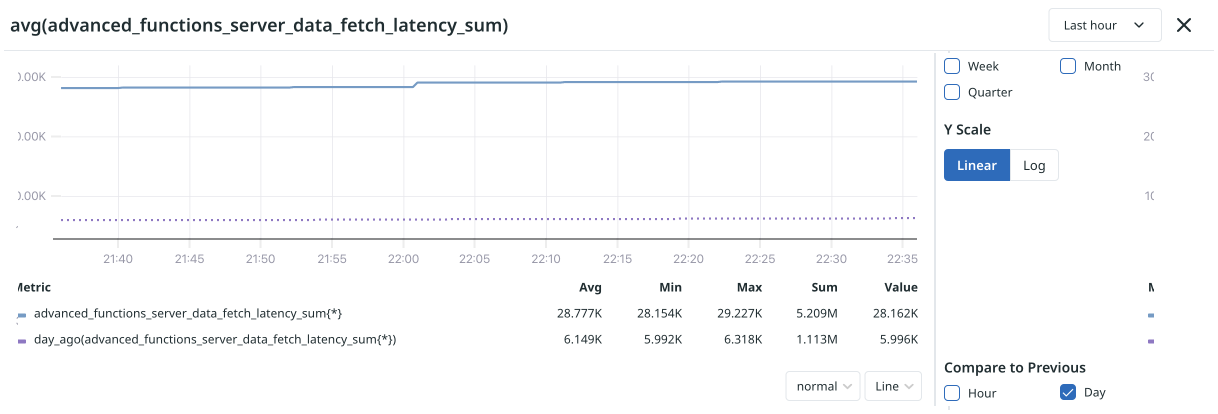
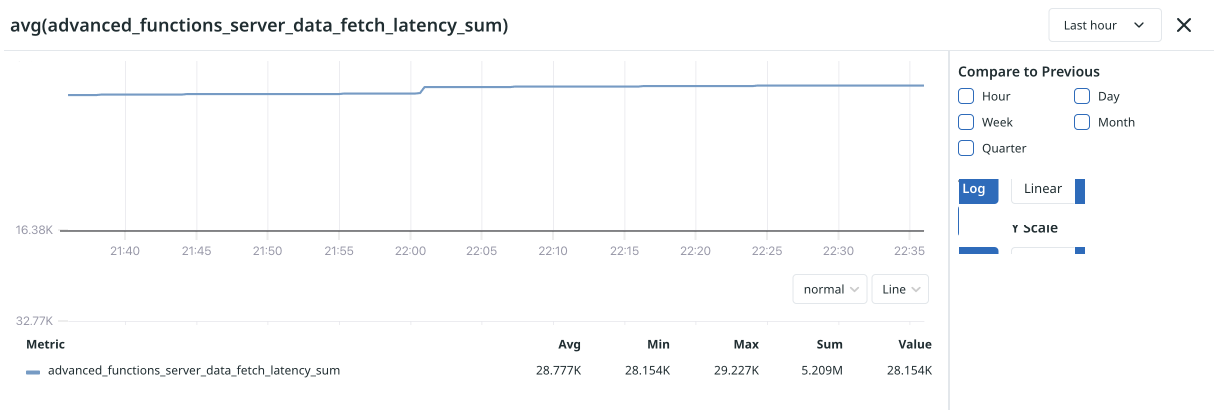
You can view the chart in full screen:
-
Hover your pointer over the resize selector on the right side of the screen, and click it.
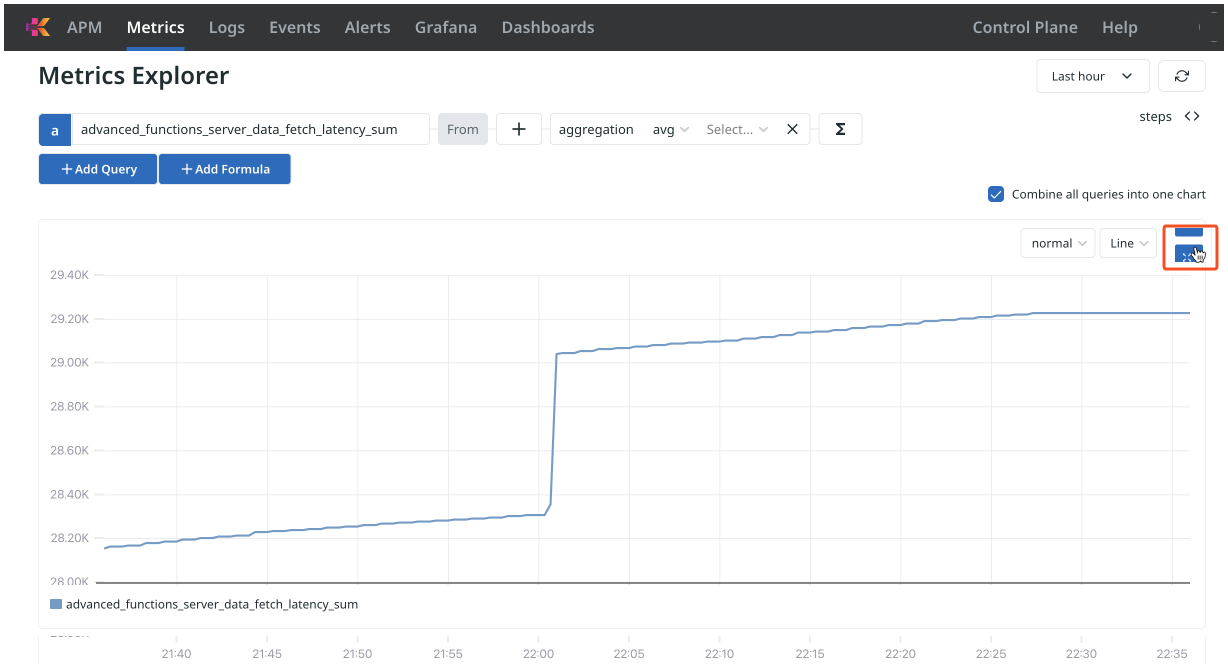
-
The chart of the metric appears in full screen view.
To close this view, click the Dismiss icon,
 , at the top right of the pane.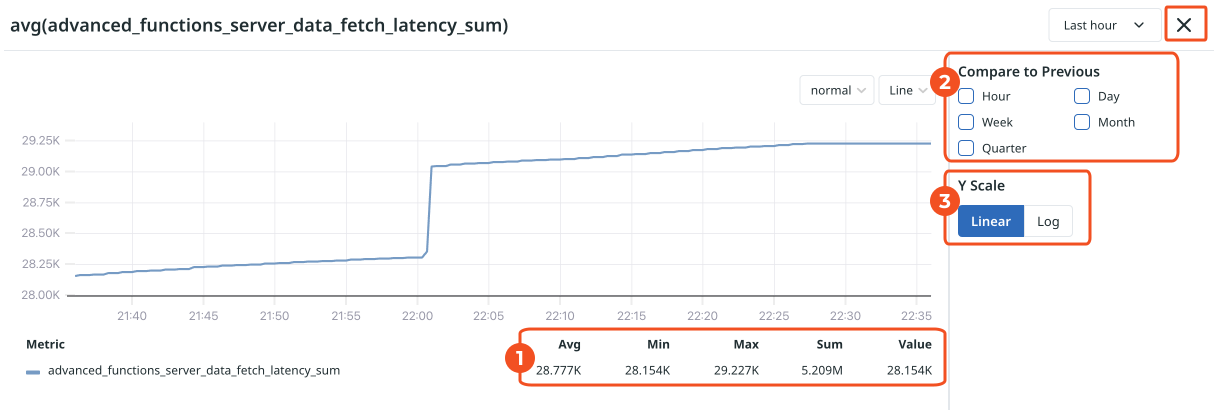
There are several new options in full view mode: